n8n AI Agent HTTP Request Node Patterns: API Integration Mastery
You’ve built an agent that can chat — but it still can’t do anything, because it can’t reach the services that hold your data. That’s not a flaw in you. It’s the one missing connection, and it has a name: the HTTP Request node.
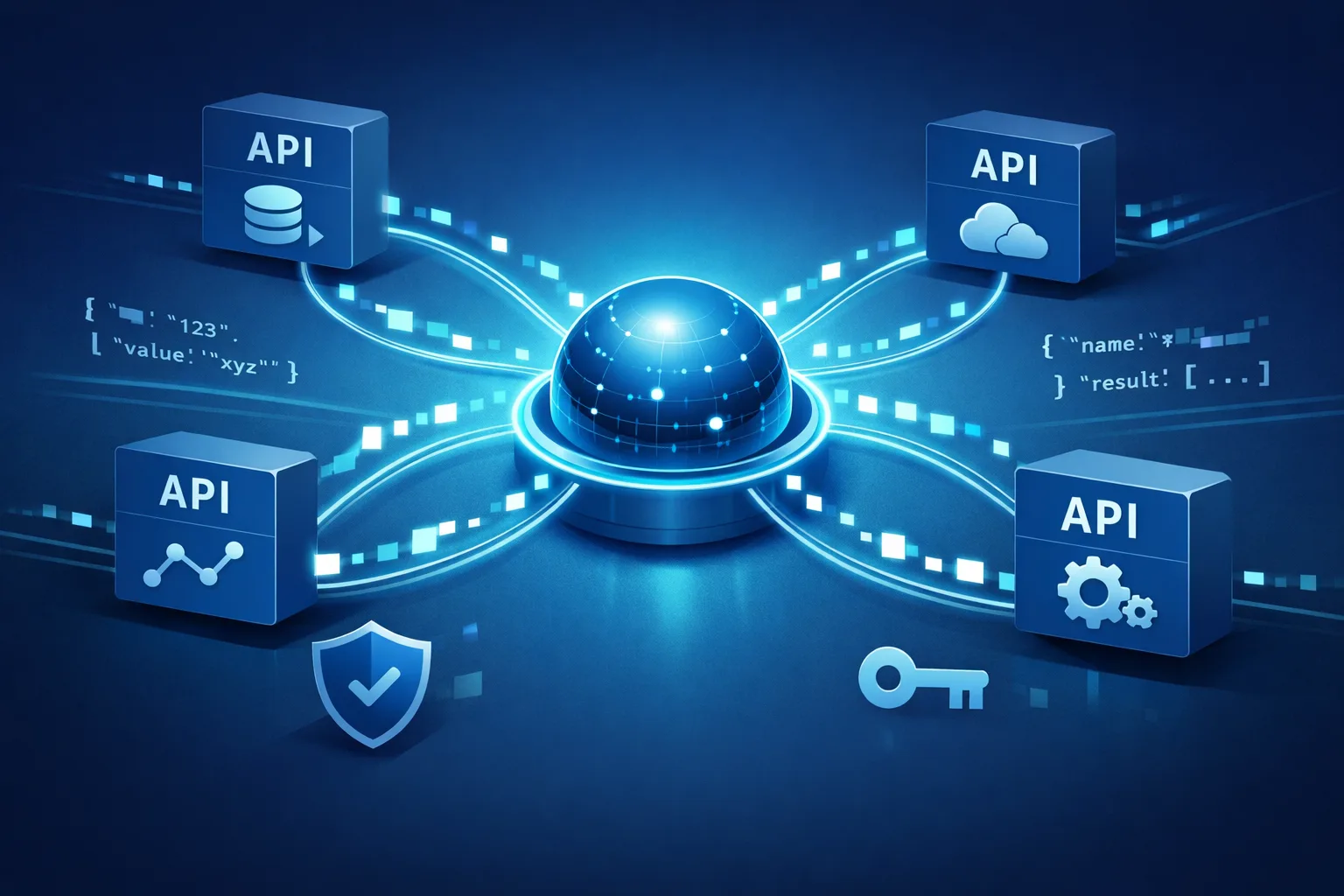
This is the single most important node in any AI agent that does real work. It’s the connective tissue between your agent’s “brain” (the LLM) and the outside world — the APIs, tools, and data that turn a chatbot into an employee. Master this one node and the wall you keep hitting disappears.
TL;DR: The HTTP Request node is how your n8n AI agent talks to any API. Set the method and URL, add auth (usually a bearer token header), send a JSON body, and parse the response. Three reusable patterns — simple GET, authenticated POST, and error-proof retry — cover most real-world API work without code.
What does the n8n HTTP Request node actually do?
The n8n HTTP Request node makes an outbound call to any external API and returns the response to your workflow. It is how your agent fetches data, sends messages, or triggers another service. Most of its fields are optional; for a basic call you set the method, the URL, and — for most APIs — one authentication header.
Yes, it looks intimidating at first. Auth, Headers, Body, Options — four sections that suggest a wall of configuration. Here’s the relief: for the 90% of API work you’ll actually do, you touch only a couple of fields. The rest can stay empty. You are not missing a skill; you were missing a pattern.
How do I authenticate an n8n AI agent HTTP request?
Most APIs authenticate with a single header you paste into the node’s Authentication or Headers section — typically Authorization: Bearer <your-token>. n8n also ships built-in credentials for many popular services, so for those you pick the credential from a dropdown instead of handling tokens by hand.
“Authentication” is a scary word for a simple act. Three cases cover nearly everything:
- No auth (public APIs). Some endpoints need nothing. Set the URL and go.
- API key. Usually a header like
X-API-Keyor a query parameter appended to the URL. - Bearer token. The most common — one header,
Authorization: Bearer <token>.
And for the big services, n8n has already built the credential type for you. Pick it from a dropdown, store the key once, and reuse it across every node without pasting tokens again.
The three HTTP Request patterns that cover most AI agent work
These are finished building blocks. Copy them, drop them in, and keep moving.
Pattern 1 — Simple GET (fetch data)
Set the method to GET, enter the URL, and leave the body empty. This pulls a record or list into your agent’s context.
When you execute, the response lands as JSON in the node’s output. In the next node, reference it with an expression like {{ $json.id }} or {{ $json.results }}. Need it in the agent’s prompt? Drag those fields straight into the LLM’s context so the agent “knows” the data it fetched.
Pattern 2 — Authenticated POST (send data)
Set the method to POST, add your bearer token header, and build a JSON body. The body doesn’t have to be hand-typed JSON — n8n gives you a visual field editor where you fill key-value pairs, and it generates valid JSON for you.
To pull values from an earlier node, use expressions like {{ $json.field }} inside the body. Set the Content-Type header to application/json, and you’re done. This is how your agent creates a record, sends a message, or triggers another service with the data it already has.
Pattern 3 — Error-proof call (retry + handle failure)
Turn on Retry on Fail, set Pause on Error, and handle non-200 responses explicitly. The goal: your agent shouldn’t silently die when an API returns a 429 or a 500.
This one pattern is what turns a fragile demo into something that can run unattended. For the full playbook on retries and failure handling, see our guide on n8n AI Agent Error Handling and Retry Patterns.
Why does my n8n AI agent HTTP request keep failing?
The four most common causes are a wrong HTTP method, missing or expired authentication, a malformed JSON body, and a mistyped URL. Check them in that order. n8n shows the API’s actual status code and error message in the node output, which tells you which one it is.
That error is not evidence you can’t do this. It’s a diagnostic, and it’s almost always one of four things:
- Wrong method. Sending a GET where a POST is required (or vice versa). Fix: check the API docs for the correct method.
- Missing or expired auth. Fix: re-paste the token and confirm the header name is right.
- Malformed JSON body. Fix: use the visual field editor so n8n builds the JSON for you.
- Wrong URL path. A missing
/v1or a typo. Fix: copy the exact endpoint from the docs.
A 429 is a specific case worth naming: it means you hit a rate limit. Back off, slow down, or retry later — and for a complete fix, see AI Agent Rate Limiting Strategies for n8n Builders: Fix 429 Errors for Good.
Authentication and JSON body: the two fields that matter most
Every API call reduces to two things: proving who you are, and saying what you want.
| Header | What it does |
|---|---|
Authorization: Bearer <token> |
Proves your identity to most modern APIs |
Content-Type: application/json |
Tells the API your body is JSON |
X-API-Key |
Identifies you to services that use key-based auth |
Auth is one header. The body is JSON that n8n builds for you from a form. Find these in the node’s Authentication and Body sections, type your values, and you’re done. That’s the whole wall — and it’s lower than it looked.
How do I parse the API response in n8n?
The response arrives as JSON you can reference with expressions like {{ $json.name }} or {{ $json.data[0].id }} in any later node. Use the node’s output panel to inspect the structure, then drag fields into your next node or the agent’s prompt.
This is the final gap: you got a response, but how does your agent use it? Open the output panel to see the exact structure, then reference any field by name. Feed it into the LLM’s context and your agent can now answer with real, fetched data instead of guessing.
Frequently asked questions
Can I use the HTTP Request node without writing code?
Yes. Method, URL, headers and body are set in a form; JSON bodies are built from a visual field editor, and responses are referenced with simple expressions — no scripting required.
What’s the difference between the HTTP Request node and a webhook?
The HTTP Request node makes an outbound call to another service; a webhook receives an inbound call from a service. An AI agent that reacts to external events often uses both. For the broader picture, see AI Agent Webhook and API Integration Patterns: The Builder’s Reference.
Do I need to paste API keys into every request?
No. For many popular services, n8n has a built-in credential type — pick it from a dropdown and reuse it across nodes without exposing the key.
How do I handle an API that needs pagination?
Most n8n HTTP Request node setups use the built-in pagination option, or loop over pages with a small loop in the workflow — the node fetches each page and merges the results.
The HTTP Request node isn’t one more tool to learn. It’s the single connective node that makes everything else work — and now you have the patterns to use it without fear. Once you can fetch, send, and survive errors, your agent stops being a demo and starts being an employee.
If you want the bigger picture on building agents you can actually trust to run unattended, start with n8n AI Agent Human-in-the-Loop Approval Flows: Build Trusted Automation That Never Runs Unchecked.
Keep reading:
- n8n AI Agent Approval Workflows: Building Trustworthy AI Employees
- AI Agent Audit Logging and Observability: Track Every AI Employee Action
Get the free 90-Minute AI Employee guide
About the Author
Anthony Odole is a former IBM Senior Managing Consultant, where he served as Enterprise Architect on Fortune 500 engagements, and the founder of AIToken Labs. He helps business owners cut through AI hype by focusing on practical systems that solve real operational problems.
His flagship platform, EmployAIQ, is an AI Workforce platform that enables businesses to design, train, and deploy AI Employees — AI agents that function as digital workforce members — that perform real work without adding headcount.