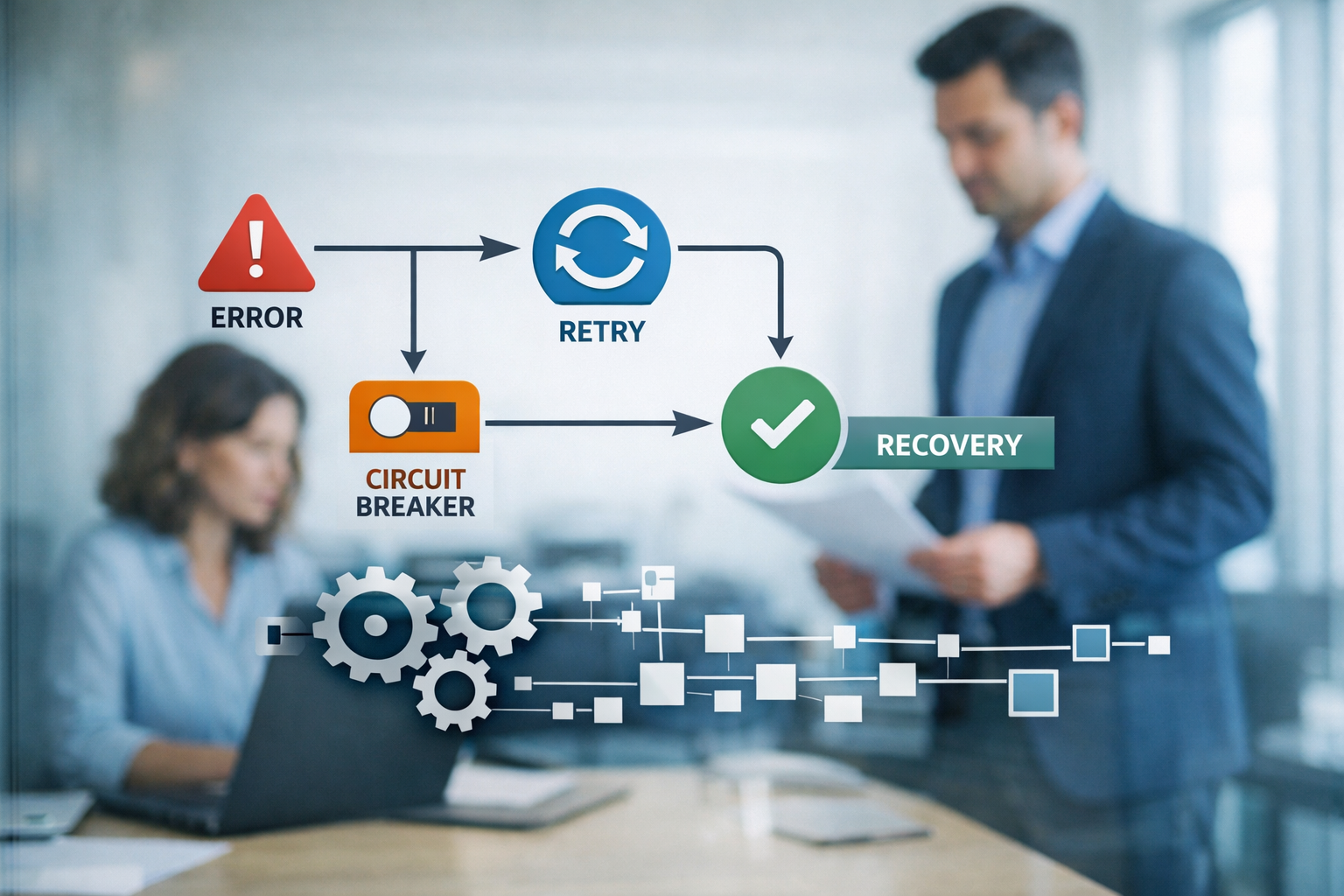
n8n AI agents fail in predictable ways. LLM calls time out, models return malformed output, and rate limits hit when you least expect them. The good news: you don’t need to rewrite your architecture to fix this. A small set of retry and fallback patterns — built directly into the workflow — keeps your agents running instead of silently dying in production.
Most failure you’ll encounter falls into three buckets. Once you know which bucket you’re in, the fix is mechanical.
Why n8n AI Agents Fail (The Three Failure Modes)
1. LLM and model API timeouts and rate limits. The most common failure by far. Your AI Agent node makes a blocking call to a model provider, and that call either takes too long (n8n’s AI Agent execution has a hard timeout around four minutes on the gateway/stream path) or the provider throttles you with a 429 “rate limit” or a 5xx server error. These are transient — the exact same request often succeeds seconds later.
2. Malformed or unexpected LLM output. The model responds, but the output doesn’t match what the next node expects. A tool call comes back with missing parameters, the JSON is broken, or the agent returns a string where your code expects an object. This is a logic failure, not a network failure — retrying the same prompt may produce a different (and valid) answer, but sometimes it won’t.
3. Downstream tool and API failures in the agent chain. Your agent itself is fine, but one of the tools it calls — a CRM lookup, a web search, a database write — fails. The agent has no idea the tool errored unless you surface it, so the whole execution collapses mid-task.
Understanding which mode you’re in matters because the fix differs: retries handle mode one, output validation handles mode two, and fallbacks handle mode three.
Retry Patterns That Actually Work
Start with “Retry On Fail.” Every node in n8n has a Settings tab with a “Retry On Fail” toggle. Enable it, set Max Tries to 2–3, and set Wait Between Tries (in milliseconds). This is your first line of defense and it handles most transient errors automatically. Enable it on every node that calls an external service — especially your model and rate-limited APIs.
But “Retry On Fail” has a blind spot: it retries blindly. It doesn’t look at why the call failed, and it doesn’t adapt the delay. For a 429 rate limit, you want to wait longer before the next attempt — not hammer the same endpoint three times in 500ms.
Use a manual retry loop with a Wait/backoff node. When you need smarter control, build the loop yourself: an HTTP Request node → IF node checking the response → a Wait node (with exponential backoff: 1s, 2s, 4s, 8s) → loop back to the request. This gives you exponential backoff, which is what rate-limited APIs actually respect.
Cap your retries to avoid infinite loops. An unbounded retry loop is a retry storm waiting to happen. Always put a hard ceiling on attempts — usually 3 to 5 — and after that ceiling, fail loudly into a fallback path rather than spinning forever. A stuck workflow that retries indefinitely burns compute and can rack up API costs silently.
Fallback and Recovery Patterns
Use a Fallback node for a secondary model or a safe default. The Fallback node is the single most underused tool in n8n’s AI toolkit. Wire it after your AI Agent or LLM node: if the primary call errors, the Fallback node routes to a secondary model (a cheaper or different provider) or returns a safe, canned answer. For customer-facing agents, a graceful “I’m having trouble right now” message is infinitely better than a raw error stack.
Catch the unhandled with an Error Trigger workflow. Some failures slip past every retry and fallback. For those, create a dedicated error workflow with an Error Trigger node. When any workflow execution fails, this workflow fires and can log the failure, send an alert to Slack or email, and even retry the original execution. This is your safety net — the difference between “we noticed in three days” and “we noticed in three seconds.”
Choose graceful degradation over hard stops. Decide in advance what “acceptable” looks like when a component fails. If a secondary tool is down, can the agent still complete the core task with a partial result? Often the answer is yes. Build your workflow to degrade gracefully — complete what it can and report what it couldn’t — rather than aborting the entire run.
A Simple Reference Workflow (Step-by-Step)
Here’s a concrete node sequence you can replicate in under ten minutes:
- AI Agent node — your primary model and tools. Enable “Retry On Fail” with Max Tries 3 and a 1000ms wait.
- Fallback node — wire it to the AI Agent’s error output. Point it at a secondary model, or return a safe default string.
- IF node — after the fallback path, check whether the output is non-empty and valid. This catches malformed output (mode two).
- Wait node — where you need backoff, insert a Wait with an increasing delay before looping back to a retry attempt.
- Stop and Error node — after your retry cap is exhausted, route here to fail explicitly rather than silently.
- Error Trigger workflow (separate) — listens for any execution failure, logs it, and alerts you.
That sequence — retry → fallback → validate → cap → alert — covers all three failure modes and will keep the overwhelming majority of your agents alive in production.
Common Mistakes to Avoid
- Silent failures. An agent that fails without anyone knowing is worse than one that fails loudly. Always wire an Error Trigger alert.
- Retry storms. Retrying too fast, too often, or without backoff turns one problem into a cascade. Lower your rate, increase your delay.
- No alerting. Retries and fallbacks are invisible if you never get notified when they fire. Log every fallback so you can spot a provider that’s chronically failing.
- Ignoring error codes. Not all errors are equal — a 429 needs backoff, a 400 needs a fix to your request, a 401 needs new credentials. Blind retries on a 401 just waste attempts.
Conclusion
Your n8n AI agent will fail — that part is guaranteed. What’s optional is whether it fails silently, and whether it recovers on its own. The pattern is small and repeatable: enable Retry On Fail on external calls, add backoff for rate limits, cap your retries, wire a Fallback node for a secondary model, and catch everything else with an Error Trigger workflow. Build these five patterns into every agent from day one and you’ll stop treating errors as emergencies and start treating them as routine, handled events.
Keep reading:
- How to Build Your First AI Agent with n8n: Complete Step-by-Step Tutorial
- n8n Multi-Agent Orchestration: Building AI Employee Teams That Collaborate
Want to build your first AI employee? Grab the free 90-minute build guide — one worked example, start to finish. aitokenlabs.com/ai-agent-builders/first-employee
About the Author
Anthony Odole is a former IBM Senior Managing Consultant, where he served as Enterprise Architect on Fortune 500 engagements, and the founder of AIToken Labs. He helps business owners cut through AI hype by focusing on practical systems that solve real operational problems.
His flagship platform, EmployAIQ, is an AI Workforce platform that enables businesses to design, train, and deploy AI Employees — AI agents that function as digital workforce members — that perform real work without adding headcount.
Retry logic is also the quiet argument for the managed category: on our platform EmployAIQ, retries, dead-letter recovery, and failure alerts are platform plumbing — every AI employee inherits them.