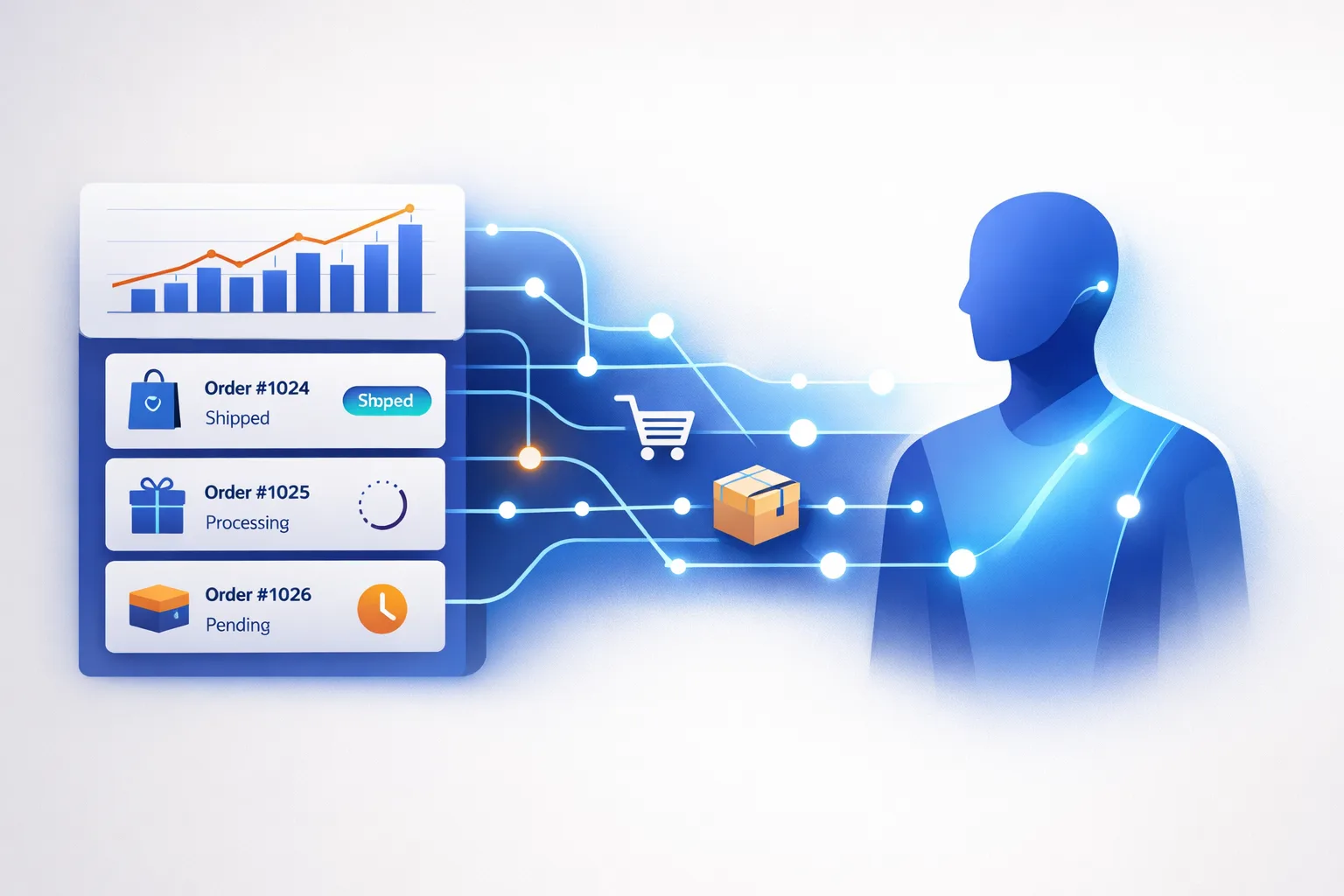
Here’s a hard truth most store owners discover the expensive way: your WooCommerce store already runs on a pile of disconnected tools. You’ve got order emails, a support inbox, a shipping label service, maybe a spreadsheet for inventory, and a stack of plugins that each do one thing. The work of running the store — answering “where’s my order?”, chasing abandoned carts, updating stock — still falls on you, manually, every single day.
The good news is that none of this is a reflection of your ability. It’s tooling chaos: the tools don’t talk to each other, so you become the glue holding them together. An AI agent WooCommerce integration is how you replace that glue with a workflow that runs itself.
TL;DR: WooCommerce exposes a REST API and webhooks that let a no-code tool like n8n listen for store events and act on them automatically. Connect those to an AI agent and you get an AI Employee that can handle order updates, support replies, and inventory tasks without you touching the dashboard. You can build it in an afternoon with no code.
What is an AI agent WooCommerce integration, exactly?
An AI agent WooCommerce integration is a connection that lets an AI-powered workflow read from and write to your store automatically. Instead of you logging into wp-admin to process an order, the integration listens for what’s happening — a new order, a low-stock product, a customer message — and lets an AI agent decide what to do next.
The technical foundation is simpler than it sounds. WooCommerce ships with a REST API, which is just a set of URLs your store exposes for reading and writing data. You generate API keys under WooCommerce → Settings → Advanced → REST API, and those keys let an external tool authenticate and act on orders, products, and customers.
On top of that, WooCommerce has webhooks — outgoing notifications that fire when something happens. A webhook on “order created” sends a message to a URL you control the moment a customer checks out. That’s the trigger that wakes up your AI agent.
Together, the API and webhooks are the entire plumbing. You don’t need a developer to wire them up.
What can an AI Employee actually do for your store?
Once the connection is live, a single AI Employee can take over several jobs that currently eat your evenings.
Answer “where’s my order?” automatically. Customer support for an online store is largely repetitive. An AI agent connected to your order data can look up a customer’s order status and reply with the real answer — not a canned “we’ll get back to you.” If you already run support through a channel like WhatsApp, you can route those replies there too, so customers get an answer wherever they already are. This is the fastest way to reclaim hours, and it’s a natural extension of the same integration patterns covered in our AI Agent WhatsApp Integration guide.
Catch abandoned carts before they go cold. When someone adds to cart and leaves, a webhook can trigger an AI agent to draft a follow-up — personalized, referencing the exact items, sent at the right moment. This is revenue you’re currently leaving on the table.
Keep inventory honest. When stock dips below a threshold, the agent can flag it, update records, or notify you to reorder — before you sell something you don’t have.
Route and summarize orders. For high-order-volume stores, the agent can triage new orders, flag the unusual ones (fraud signals, shipping anomalies, VIP customers), and hand you a clean summary instead of a raw feed.
The point isn’t that any one of these is revolutionary. It’s that they all currently live in your head, and an AI Employee moves them into a workflow that runs while you sleep.
How do you build AI agent WooCommerce automation without code?
The no-code path runs through tools like n8n or Make.com, which give you a visual canvas where you drag nodes instead of writing scripts.
Step 1: Generate your API keys. In WooCommerce, go to Settings → Advanced → REST API and create a key with Read/Write permissions. Copy the Consumer Key and Consumer Secret — you’ll paste them into your automation tool once.
Step 2: Set up your trigger. In n8n, add a WooCommerce Trigger node (or a plain Webhook node) and select the event you care about — order.created is the classic starting point. When you activate the workflow, n8n registers the webhook with your store automatically, so events arrive within seconds. If the trigger isn’t firing, the usual culprits are a Read-only API key, an expired SSL certificate, or a workflow left inactive — the webhook only exists while the workflow is active.
Step 3: Add the AI step. Now attach an AI agent node (or a simple HTTP call to a model) that receives the order data and decides what to do — draft a reply, update a record, or flag something. This is where “automation” becomes “employee”: the agent uses judgment, not just a fixed rule.
Step 4: Write back to the store. Finish with a WooCommerce node or HTTP Request node that acts on the REST API — update the order status, add a note, adjust stock.
This same webhook-and-API pattern is universal across automation tools. If you’re already comfortable in Make.com, the mechanics are nearly identical — see our AI Agent Make.com Webhook Integration walkthrough for the Make-specific setup. The concepts transfer cleanly because they all speak the same REST API.
What are the limitations and where do you go next?
Be honest with yourself about the scope. An AI agent WooCommerce integration is genuinely powerful, but it’s not magic. It won’t write your product descriptions from nothing, and it can’t fix a broken checkout flow. It works best on repetitive, rule-adjacent tasks where the data is already in your store — order status, inventory, support tickets.
There’s also a small setup tax: you’ll need an n8n instance (self-hosted or cloud) that’s publicly reachable so WooCommerce can deliver webhooks to it, and you’ll want to keep your API keys stored securely, not pasted into a doc that gets shared around.
If your store runs on Shopify instead, the pattern is the same but the specifics differ — see our AI Agent Shopify Integration guide for that walkthrough.
The bigger point is this: the reason most people’s automation projects die isn’t a lack of skill. It’s that they get buried in tooling before they see a result. Start with one workflow — the order-confirmation trigger — and get it running end to end this week. One finished workflow beats ten half-built ideas, and it’s the proof you need to keep building.
Frequently Asked Questions
Do I need to know how to code to integrate AI with WooCommerce?
No. Tools like n8n and Make.com use a visual, drag-and-drop interface, so you can build the entire integration without writing code. A basic comfort with concepts like API keys and JSON helps for advanced setups, but the core order-automation workflow is point-and-click.
Is an AI agent WooCommerce integration safe?
Yes, when set up correctly. WooCommerce’s REST API uses key-based authentication, so only tools holding your Consumer Key and Secret can act. Keep those credentials private, use Read/Write permissions only where needed, and ensure your store has a valid SSL certificate for webhooks to register properly.
How fast does the automation respond to a new order?
Near-instantly. Webhooks push events to your automation tool within seconds of the action happening, so your AI agent can respond to an order or a support message in real time — no polling or waiting required.
Ready to put this to work? I teach business owners how to hire their first AI employee, step by step.
About the Author
Anthony Kayode Odole is a former IBM Senior Managing Consultant, where he served as Enterprise Architect on Fortune 500 engagements, and the founder of AIToken Labs. He helps business owners cut through AI hype by focusing on practical systems that solve real operational problems.
His flagship platform, EmployAIQ, is an AI Workforce platform that enables businesses to design, train, and deploy AI Employees — AI agents that function as digital workforce members — that perform real work without adding headcount.