You’ve started four automation projects and shipped none of them. If that sentence stings a little, stick around — because what I’m about to show you isn’t a fifth one to add to the pile. It’s a single, finished, running thing you can stand up over a weekend: an AI Employee that reviews your pull requests automatically.
Here’s the reframe that matters before we start. The graveyard of half-built projects isn’t a verdict on your ability. It’s what happens when you’re handed forty fragmented tools and a shiny-object guru telling you each one is the answer. Tooling chaos, not a personal failing. So we’re going to do this with one tool doing one job, wired into GitHub where you already live, and by Sunday night you’ll have a PR reviewer that actually runs.
TL;DR: Yes, an AI agent can review your pull requests, and it’s genuinely no-code. You connect an AI Employee to GitHub by wiring a webhook to catch new PRs, fetching the diff, running it through an LLM with a clear review prompt, and posting the findings back as a comment — a four-stage workflow you can stand up this weekend with n8n. The only real wall is authentication and webhooks, which is a one-time setup, not an ongoing grind.
Can an AI Agent Review My Pull Requests?
Yes. An AI agent can review pull requests automatically, and it’s the single highest-leverage place to start with AI code review. It scans the diff for logic errors, missing error handling, security problems, style inconsistencies, missing tests, and inefficient queries — then posts its findings as a comment on the PR.
Before you build, know what you’re building toward. An AI PR reviewer isn’t magic; it’s a specific set of checks run against the diff. A good one looks at:
- Logic errors — code that would break at runtime or produce wrong results
- Missing error handling — happy-path code with no guardrails
- Security problems — hardcoded secrets, SQL injection risks, auth mistakes, race conditions
- Style and consistency — naming, structure, obvious deviations from the repo’s conventions
- Missing tests — changed behavior with no coverage to lock it in
- Inefficient queries — N+1 patterns, missing indexes, wasteful loops
Here’s the honest boundary, and it’s the same one every serious tool in the space concedes: an AI reviewer is great at the mechanical scan and bad at the judgment work. It can’t reliably understand business logic, product intent, or cross-file context. The right design is AI first, human second — the agent catches the obvious stuff so you spend your review time on what actually needs a brain. That’s not a limitation; that’s the division of labor that makes the whole thing worth building.
How Do I Connect an AI Employee to GitHub?
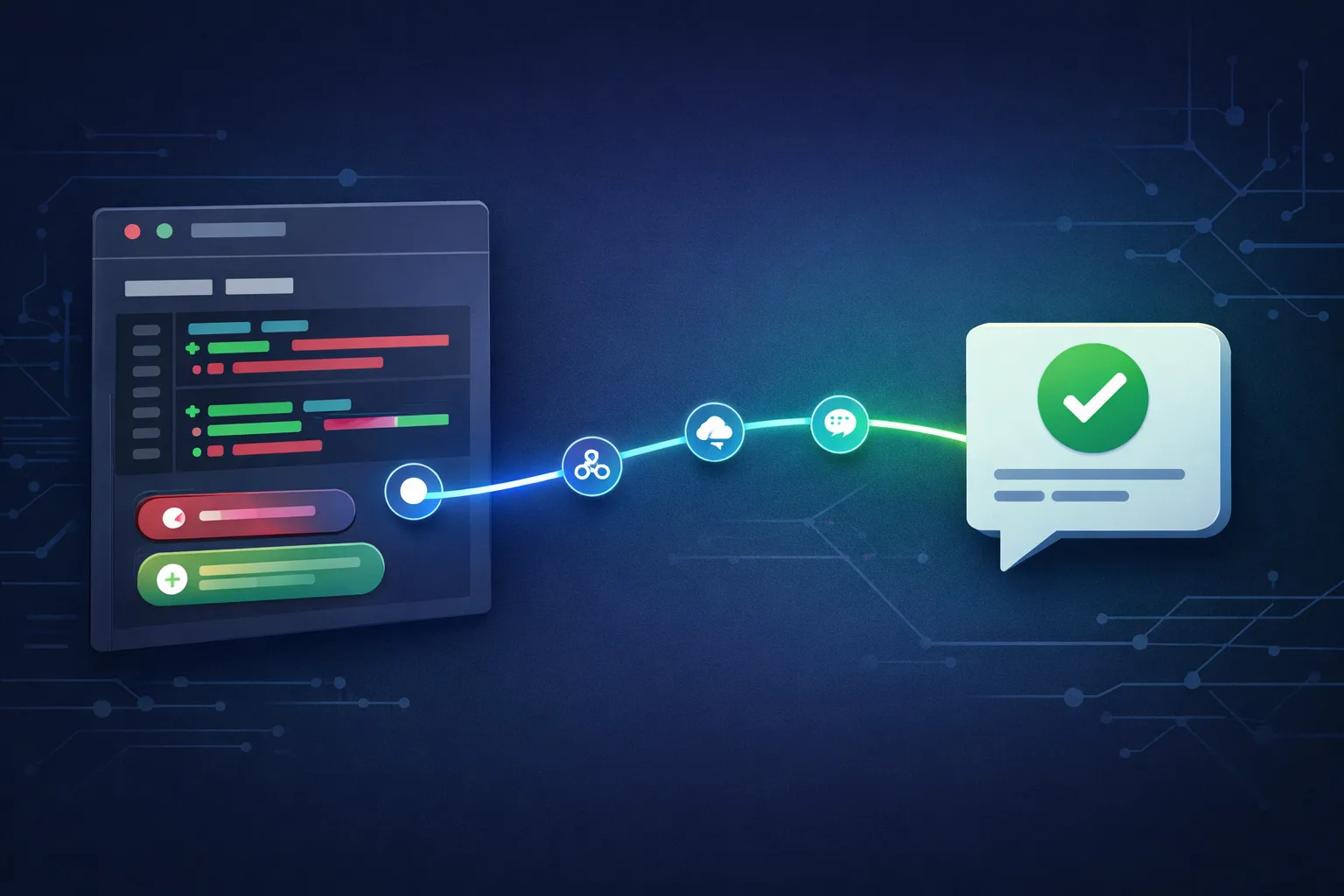
You connect an AI Employee to GitHub with a four-stage workflow: a webhook catches new pull requests, an API call fetches the diff, an LLM reviews it against your prompt, and the result is posted back as a PR comment. Auth and webhooks are the only setup that requires care.
There are two ways to stand up an automated PR reviewer, and you should pick deliberately.
Path 1: Purpose-built AI code review tools
The market is crowded in 2026, and it’s worth knowing your options:
- GitHub Copilot code review — the native option. It drops into the standard review UI as an assignable reviewer, gathers full-project context, and can hand suggestions to the Copilot agent to apply. It’s the path of least resistance if you’re already in the GitHub ecosystem, but it’s a per-seat subscription and locks you into GitHub’s model choices.
- Qodo Merge (and its open-source predecessor PR-Agent) — a feature-rich reviewer that works across GitHub, GitLab, Bitbucket, and Azure DevOps, with “learnings” that adjust feedback over time.
- CodeRabbit — inline PR comments with a reputation for consistent, readable suggestions across small and mid-sized teams.
- Cursor Bugbot — runs inside PRs and focuses narrowly on clear, high-severity runtime bugs directly from the diff.
- Gitar — an autonomous agent that doesn’t just comment; it can fix CI failures and auto-commit fixes.
These are all solid. They’re also all products you adopt — someone else’s rules, someone else’s pricing, someone else’s model. If what you want is to own the skill and build something you control, read on.
Path 2: Build your own AI Employee (no-code)
This is the path this article is about. Instead of renting a reviewer, you assemble one yourself with a no-code automation tool — n8n is the natural fit here, with Zapier and Make as alternatives if you’re already invested in one of them. If you’re already in the Zapier ecosystem, our AI Agent Zapier integration guide walks through connecting your AI Employee to thousands of apps the same way.
The distinction that matters: n8n gives you a visual workflow builder with native GitHub nodes and an AI Agent node, and you can self-host for unlimited executions. Zapier and Make offer the same shape of thing — trigger, transform, post — with their own pricing models. For a PR-review workflow specifically, n8n’s GitHub integration is the most direct, so that’s what we’ll build with.
The Build: Four Stages, One Workflow
Here’s the complete architecture, end to end. If you’re new to the underlying mechanics, our AI Agent Webhook and API Integration Patterns reference covers the trigger-and-call foundations this build stands on.
1. Trigger: catch new pull requests with a webhook
The workflow starts when a GitHub event fires. In n8n, you use a Webhook node and point GitHub at it. This is the wall I promised to be honest about, so let’s handle it now.
The wall — authentication and webhooks. To receive events, GitHub needs to POST to a URL that’s reachable from the internet, and your workflow needs a token with permission to read the repo and post comments. Two things trip people up:
- The webhook URL must be public. If you’re self-hosting n8n on your laptop, GitHub can’t reach it. The fix is either n8n Cloud (handles this for you) or a tunnel service that exposes your local instance.
- The token needs the right scopes. You’ll create a fine-grained personal access token with read access to pull requests and contents, and write access to comments.
That’s genuinely the hard part, and it’s a one-time setup, not an ongoing grind. Once the webhook is live and the token is stored as an n8n credential, the rest is visual plumbing.
2. Fetch: pull the diff and changed files
When a PR opens (or gets a new push), the webhook fires with the PR number. Your workflow then calls the GitHub API — in n8n, the GitHub node or a simple HTTP Request node — to fetch two things:
- The list of changed files (
/pulls/{number}/files) - The actual diff content
This is what the AI will actually read. The diff is the input; everything downstream depends on getting a clean, complete one.
3. Review: run the diff through an LLM
Now the AI Employee does its job. You pipe the diff into an AI Agent node (or a direct LLM call) with a prompt that tells it exactly what to look for. A strong prompt names the categories explicitly — logic errors, missing error handling, security issues, style, missing tests — and asks for output in a structured format: severity, file, line, finding, and a suggested fix.
The prompt is where you become the manager. The better your instructions, the better the employee. This is the “role, not tool” mindset: you’re not configuring a script, you’re briefing a teammate.
4. Post: comment back on the PR
The final step writes the review back to GitHub. Using the GitHub node (or the API’s review-comment endpoint), the workflow posts the findings as a comment on the PR — ideally as the bot user, so it’s clearly attributed. Optionally, you branch here: send high-severity findings to Slack or email, log everything to a database, and label the PR so a human reviewer knows an AI pass has already run.
That’s the whole thing. Trigger → fetch → review → post. Four stages, no code, and it runs every time a PR opens without you touching it.
Is AI Code Review Really No-Code?
For this build, yes — you won’t write application code. You’ll design the process visually, write a prompt, and paste a token into a credential field. That’s configuration, not engineering, and it’s the only “wall” you’ll hit.
Let me not oversell you, because that’s exactly how you ended up with a graveyard of half-built projects.
“No-code” means you won’t write application code. You won’t hand-roll a server, parse webhooks in Python, or build a GitHub App from scratch. What you will do is think like a process designer: name the trigger, define the steps, write a good prompt. The authentication step requires you to click through GitHub’s token settings and paste a value into a credential field.
If you’re an engineer, you’ll recognize every block here as something you could replace with a webhook handler and a script. That’s fine — swap the no-code blocks for code if you prefer. The architecture doesn’t change, only the medium.
Why Build This Instead of Renting a Reviewer
Given that Copilot code review, Qodo, and CodeRabbit all exist, the fair question is: why build?
You own the skill. When you assemble this yourself, you understand every layer. When an API changes or a token expires, you know where to look. You’re not waiting on a vendor.
You control the model and the prompt. Purpose-built tools bake in their own review criteria. Your AI Employee reviews your way — your severity scale, your house style, your security checklist. As your needs change, you change the prompt, not the subscription.
You control the cost. A self-hosted n8n workflow costs you LLM API calls, which for typical PR volume is pennies. Per-seat subscriptions scale with headcount; your workflow doesn’t. Wondering what a build like this actually costs to run in production? Our AI Employee Build Cost Benchmark breaks down real numbers from working projects.
It’s a gateway, not a dead end. Once you’ve built a PR reviewer, you’ve built the pattern — webhook in, AI process, action out. The same skeleton becomes an issue triager, a changelog generator, a release-note writer. This one build unlocks a dozen more.
The honest trade-off in the other direction: a purpose-built tool gets you running in minutes with zero setup, and it’s maintained by someone else. If your only goal is to have a reviewer and never touch it again, renting is the lower-effort answer. If your goal is to own the capability and finish something you understand, build it.
Your Weekend Build Plan
Here’s the sequence, broken into two sittings so it actually gets finished:
Saturday — get the webhook working.
- Create the n8n workflow with a Webhook node.
- Expose it (n8n Cloud or a tunnel).
- Create the GitHub token with the right scopes.
- Add the webhook to your repo and fire a test PR.
- Confirm the trigger fires and you can see the PR payload.
Sunday — make it review.
6. Add the fetch step (changed files + diff).
7. Write the review prompt in the AI Agent node.
8. Add the post step (comment back on the PR).
9. Run a real PR through it end to end.
10. Tune the prompt until the output is actually useful.
That’s a finished, running AI Employee by Sunday night. Not a plan, not a course module — a thing that works on your repos.
The same pattern ports cleanly to other tools you already use. We’ve written playbooks for connecting AI Employees to Shopify, WhatsApp, and Microsoft Teams — same webhook-in, AI-process, action-out skeleton, different surfaces.
Frequently asked questions
What does an AI PR reviewer actually check?
It scans the diff for logic errors, missing error handling, security problems such as hardcoded secrets, style inconsistencies, missing tests, and inefficient queries. It is strong at mechanical scanning and weak at business logic, so the right design is AI first, human second.
Is AI code review really no-code?
Yes. You assemble the workflow visually in n8n, write a review prompt, and paste a token into a credential field. You won’t write application code or hand-roll a server. Authentication and webhook setup are configuration, not engineering.
Do I need a public server to receive GitHub webhooks?
Your webhook URL must be reachable from the internet. n8n Cloud handles this automatically; if you self-host, use a tunnel service to expose your local instance. This is a one-time setup, not an ongoing maintenance burden.
Can I use Zapier or Make instead of n8n?
Yes. All three offer the same trigger-transform-post shape. n8n’s native GitHub nodes make it the most direct fit for a PR-review workflow, but Zapier and Make work if you’re already invested in one of them.
Final Word
You’ve started four times and shipped none. The problem was never you — it was forty fragmented tools and a new guru every week. This is one tool, one job, one weekend. Build it, watch it comment on your next pull request, and then notice what changes in you: you become someone who finishes.
Ready to put this to work? I teach business owners how to hire their first AI employee, step by step: Get the free AI Employee build guide
About the Author
Anthony Kayode Odole is a former IBM Senior Managing Consultant, where he served as Enterprise Architect on Fortune 500 engagements, and the founder of AIToken Labs. He helps business owners cut through AI hype by focusing on practical systems that solve real operational problems.
His flagship platform, EmployAIQ, is an AI Workforce platform that enables businesses to design, train, and deploy AI Employees — AI agents that function as digital workforce members — that perform real work without adding headcount.