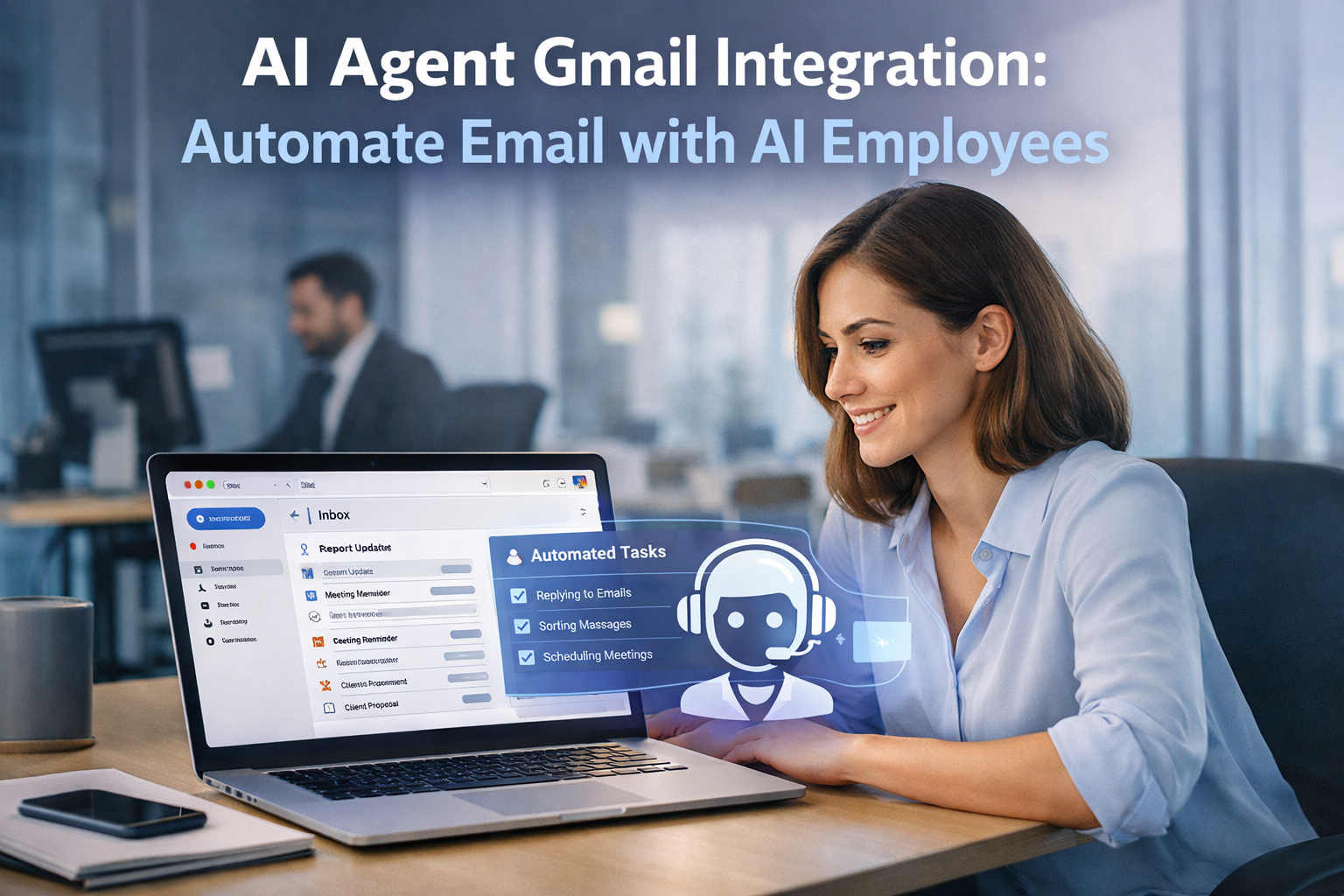
The average professional spends 28% of their workday — roughly 2.5 hours — managing email. That’s more than a full workday lost every single week to reading, sorting, replying, and following up. And it’s not just time. It’s mental bandwidth. Every notification pulls you out of deep work. Every unanswered thread creates cognitive debt.
An AI agent Gmail integration changes the equation entirely. Instead of you managing email, an AI employee does it — intelligently, consistently, and without burning out.
This isn’t a rules-based filter or a templated auto-responder. It’s an AI agent that reads context, makes judgment calls, drafts replies in your voice, and knows when to escalate to you. Let’s break down exactly what that looks like, how to set it up, and which business functions benefit most.
What Is an AI Agent Gmail Integration?
An AI agent connected to Gmail performs three core functions: intelligent triage, contextual reply drafting, and automated follow-up management.
Think of it as hiring a virtual assistant who never sleeps. It reads incoming messages, categorizes them by urgency and topic, drafts responses for your review, and tracks conversations that need follow-up. Over time, it learns your communication patterns and gets better at matching your tone and priorities.
The integration itself happens through the Gmail API — Google’s RESTful interface that lets authorized applications access Gmail mailboxes, manage drafts, send messages, and organize threads. Your AI agent authenticates via OAuth 2.0, operates within Gmail’s API rate limits (250 quota units per user per second), and can function across three levels of autonomy:
- Assisted: The agent drafts replies and suggests labels, but you approve everything before it goes out.
- Semi-Autonomous: The agent handles routine emails independently (confirmations, scheduling, FAQs) and escalates anything sensitive.
- Autonomous: The agent manages the inbox end-to-end, only flagging exceptions. This is where the real time savings live — but it requires trust built over time.
What Can an AI Agent Actually Do in Gmail?
1. Intelligent Email Triage
Your inbox becomes a sorted, prioritized dashboard. The AI agent reads every incoming email and categorizes it: urgent client issue, newsletter, meeting request, cold pitch, invoice. It can apply Gmail labels, star important threads, archive noise, and surface the five emails that actually need your attention today.
2. Contextual Reply Drafting
This is where the AI employee earns its keep. It doesn’t just suggest a generic “Thanks for your email.” It reads the thread history, understands the ask, and drafts a reply that matches your tone. If a client asks about project status, the agent pulls relevant context — previous emails, calendar events, linked documents — and drafts a response you can send with one click.
3. Automated Follow-Up Management
How many sales conversations die because nobody remembered to follow up? The AI agent tracks every thread where the last message came from the other side and nudges you — or drafts the follow-up itself — after your preferred interval. No more leads slipping through cracks.
4. CRM and Tool Sync
An AI agent doesn’t live in isolation. It can push email interactions to your CRM, log client communications, create tasks from action items mentioned in threads, and pull contact data to personalize replies. The inbox becomes the hub of your operational workflow.
5. Smart Search and Retrieval
Need that attachment from three months ago? The contract details buried in a thread? The AI agent handles natural language search across your entire mailbox — “Find the proposal Sarah sent last quarter” — and retrieves exactly what you need in seconds.
How to Set Up AI Agent Gmail Integration
There are two paths, depending on your technical resources:
No-Code / Low-Code Route: Platforms like Zapier and Make (formerly Integromat) offer Gmail triggers that connect to AI services like OpenAI or Anthropic. You can build workflows where new emails trigger AI processing, draft generation, and label application — all without writing code. This is fast to deploy and ideal for small teams testing the waters.
Custom Integration Route: Using the Gmail API directly gives you full control. Your development team (or an AI agent platform) authenticates via OAuth 2.0, sets up webhook-based push notifications for real-time email processing, and builds custom logic for triage, drafting, and escalation rules. This is the path for businesses that want a tailored AI employee, not a generic automation.
Critical security rule: You wouldn’t give a new hire full inbox access on day one — don’t do it with an AI agent either. Run in draft-only mode for the first week. Review every suggested reply. Build trust incrementally before granting send permissions. And always use OAuth 2.0 with least-privilege scopes — your agent only gets access to what it genuinely needs.
Use Cases by Business Function
Sales Teams: An AI agent qualifies inbound leads from email, drafts personalized follow-ups based on thread context, logs interactions in the CRM, and flags hot leads for human outreach. One agent can manage the top-of-funnel communication for an entire sales team.
Customer Support: The agent triages support emails by urgency and topic, drafts responses for common issues using your knowledge base, and escalates complex cases to the right team member with full context attached. Response times drop from hours to minutes.
Operations and Admin: Meeting scheduling, vendor communications, invoice follow-ups, internal approvals — the AI agent handles the administrative email load that quietly consumes operations teams. It reads, categorizes, drafts, and tracks everything that doesn’t require strategic judgment.
Getting Started: A 5-Step Plan
- Audit your inbox. Spend one week categorizing every email you receive. Identify patterns: what’s routine, what’s urgent, what’s noise. This becomes your agent’s training blueprint.
- Choose your integration path. No-code (Zapier + AI) for fast deployment, or custom (Gmail API + AI agent platform) for a tailored solution.
- Start in draft-only mode. Connect the agent, let it read and draft, but don’t give it send permissions. Review everything for at least a week.
- Define escalation rules. Be explicit: what types of emails should always go to a human? Legal matters, pricing negotiations, sensitive personnel issues — set hard boundaries.
- Expand autonomy gradually. Once the agent consistently drafts replies you approve without edits, let it handle those categories autonomously. Add new categories one at a time.
The businesses that win over the next five years won’t be the ones with the most employees — they’ll be the ones that deploy AI employees to handle the work that doesn’t require human creativity or strategic judgment. Email management is the perfect starting point: high volume, pattern-driven, and universally painful. An AI agent Gmail integration gives you back 2.5 hours a day while making sure nothing falls through the cracks.
For a broader view of how AI agents connect across your tech stack, see our complete guide: AI Agent Integrations: The Complete Guide. For more on AI agents handling communication workflows, read AI Agents for Business Communication.
Keep reading:
- AI Agent Airtable Integration: Build AI-Powered Database Workflows
- AI Agent Google Sheets Integration: Read, Write, and Analyze Spreadsheet Data
- AI Agent Notion Integration: Automate Your Knowledge Base with AI Employees
Want to build your first AI employee? Grab the free 90-minute build guide — one worked example, start to finish. aitokenlabs.com/ai-agent-builders/first-employee
About the Author
Anthony Odole is a former IBM Senior Managing Consultant, where he served as Enterprise Architect on Fortune 500 engagements, and the founder of AIToken Labs. He helps business owners cut through AI hype by focusing on practical systems that solve real operational problems.
His flagship platform, EmployAIQ, is an AI Workforce platform that enables businesses to design, train, and deploy AI Employees — AI agents that function as digital workforce members — that perform real work without adding headcount.
Step zero, before the five: decide build versus hire. The plan below assumes you’re building. If you’d rather hand your inbox to an AI employee that arrives already trained, supervised, and maintained, that’s what our platform EmployAIQ is for.