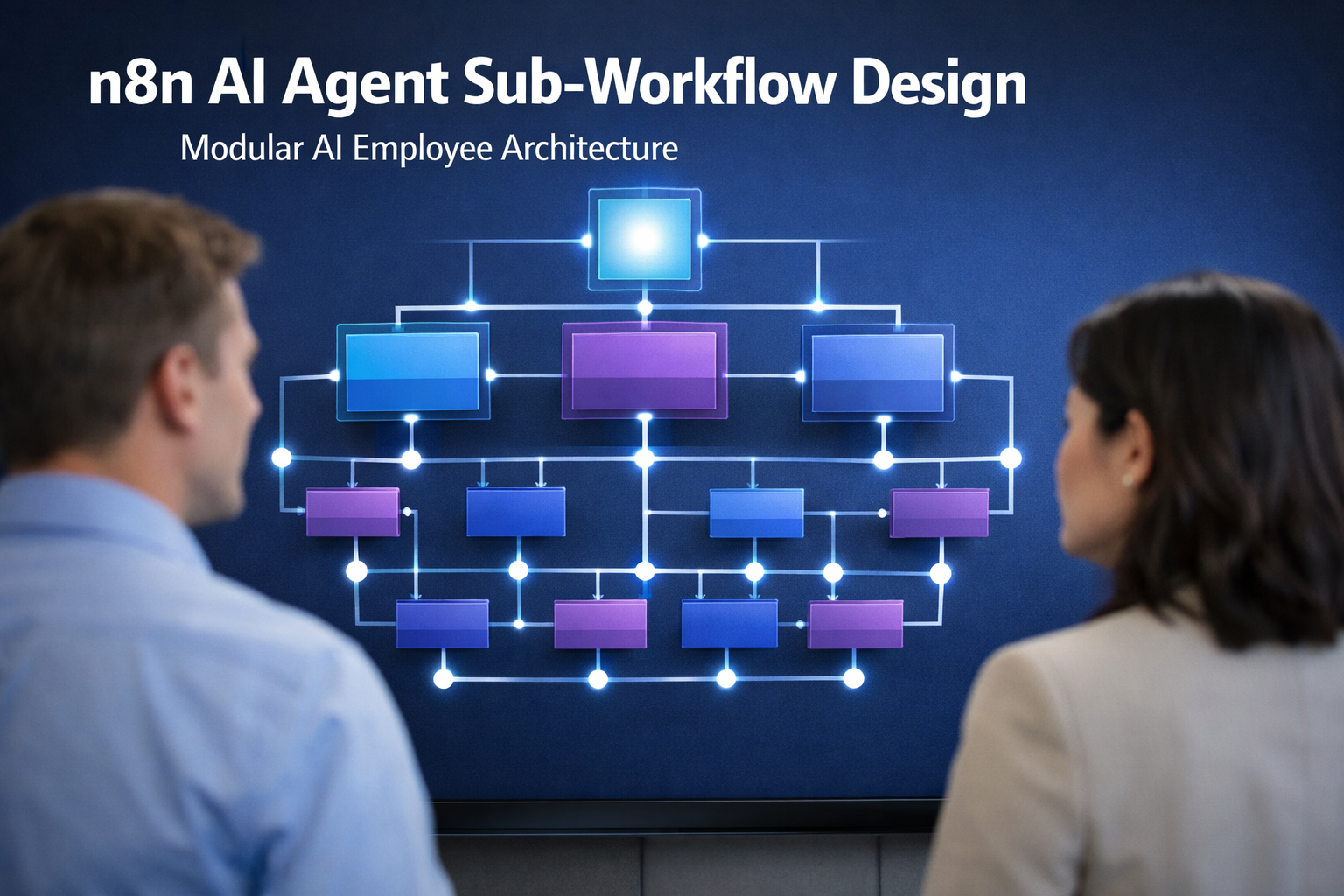
n8n AI Agent Sub-Workflow Design: Modular AI Employee Architecture
You built your first AI agent in n8n and it worked beautifully. Then you added a second responsibility. Then a third. Six months later, you’re staring at a single canvas with 140 nodes, three AI Agent nodes fighting over context, and a bug you can’t trace because everything is wired to everything else.
This is the moment every serious builder hits: the monolith stops being clever and starts being a liability.
The fix isn’t a new template or a bigger model. It’s architecture. Specifically, it’s breaking your agent into n8n AI agent sub-workflows — small, self-contained workflows that each do one job well and plug into a parent agent like a clean org chart.
This article gives you the mental model, the decision framework, and the patterns to design AI employees that stay maintainable, debuggable, and scalable as they grow. Because the goal isn’t just a working agent — it’s an agent you can still understand six months from now.
What Is an n8n AI Agent Sub-Workflow?
An n8n AI agent sub-workflow is a self-contained workflow invoked by a parent workflow, encapsulating a single responsibility — such as research, qualification, or notification — so the larger agent remains maintainable and debuggable.
Let me break that definition down, because every word earns its place.
- Self-contained — it holds everything it needs to do its job. No hidden dependencies on the parent’s state.
- Invoked by a parent workflow — it doesn’t run on its own schedule; a parent calls it using the Execute Sub-workflow node, and it responds via the When Executed by Another Workflow trigger.
- Single responsibility — one job, one input, one output.
- Maintainable and debuggable — the reason we bother in the first place.
Here’s the key shift in thinking: in n8n, there’s no native “function” primitive like you’d find in code. The sub-workflow is the function. The boundary is just two nodes — the Execute Sub-workflow node in the parent, and the trigger in the child. That’s the entire contract.
A monolithic workflow crams research, decision-making, qualification, and notification into one canvas. A modular workflow splits those into distinct sub-workflows that a slim “brain” agent orchestrates. Same capabilities, completely different architecture — and a completely different experience when something breaks.
Why Modular Architecture Beats the Monolith
The monolith feels faster at first because there’s no friction to adding a node. The problem is that every node you add increases the cost of every future change. Modular architecture front-loads a little discipline to buy back enormous leverage later.
Here’s why modular wins:
- Error isolation — when a sub-workflow fails, the blast radius is contained. One broken notification module doesn’t take down your entire research pipeline.
- Reusability — build a “send Slack summary” sub-workflow once, and every agent that needs it calls the same one. You update it in one place.
- Debuggability — you can test a single sub-workflow in isolation with known inputs, instead of replaying a 140-node monster to find the one node that misbehaved.
- Maintainability — a 15-node sub-workflow is easy to read. A 140-node canvas is a maze. Smaller canvases mean faster onboarding and fewer mistakes.
- Scalability — you can add new capabilities as new sub-workflows without touching the core agent, and n8n doesn’t count sub-workflow executions against your plan’s active workflow limits.
There’s a bonus most people miss: context management. AI agents degrade when their context window fills with irrelevant tool output. By isolating each responsibility, you keep the parent agent’s context focused on orchestration — not the messy details of how research gets done.
The “Org Chart” Mental Model for AI Employees
Here’s the unique angle that makes this click: design your AI agent the way you’d design a small company.
Think of the parent workflow as the CEO. It doesn’t do the work — it makes decisions, delegates, and holds people accountable. Each sub-workflow is a role with a job description:
- The Researcher — “Go find the latest information on X, return a structured summary.”
- The Qualifier — “Given these leads, score them and return only the ones worth pursuing.”
- The Notifier — “Take this output and deliver it to the right channel in the right format.”
- The Auditor — “Check this work for errors and return a pass/fail with reasons.”
Each of these is one job description, one input, one output. That’s the whole mental model. When you’re tempted to cram something into the parent, ask: “Would I ask my CEO to also do the data entry?” If the answer is no, it belongs in a sub-workflow.
This framing matters because it changes how you reason about scope. “Is this part of the agent?” becomes “Is this one person’s job, or two people’s jobs?” Jobs that can be described in a single sentence with a clear deliverable are candidates for their own sub-workflow.
The org chart also gives you a natural naming convention. Name sub-workflows by role — Researcher, Qualifier, Notifier — not by function like workflow-3-final. Six months later, you’ll thank yourself.
Where to Split: A Decision Framework
Not everything deserves its own sub-workflow. Over-splitting creates orchestration overhead and makes the system harder to follow, not easier. Here are five signals that a chunk of your agent is ready to become its own sub-workflow:
-
It’s reused elsewhere. If two or more agents (or two branches of the same agent) use the same logic, extract it. Duplication is a maintenance tax you pay forever.
-
It can fail independently. If a piece of logic can fail without invalidating the rest of the run — an API call that might time out, a notification that might bounce — it’s a candidate for isolation. Independent failure is the strongest signal for error isolation.
-
It exceeds ~30 nodes. When a single responsibility sprawls past a few dozen nodes, it’s doing too much. Size is a smell, not a rule, but it’s a reliable one.
-
It has a distinct responsibility. “Research” and “qualify leads” are different jobs. If you can name the deliverable as a single noun phrase, it’s likely a distinct responsibility.
-
It needs isolation for context or security. Agent logic that needs a fresh context window, or that touches credentials you don’t want the parent holding, should live behind its own boundary.
The counter-signal is equally important: if a chunk only ever runs in one place, can’t fail on its own, and is tightly coupled to the parent’s flow, leave it inline. Splitting for splitting’s sake produces the same spaghetti, just spread across ten canvases.
Designing the Contract: Inputs and Outputs
The magic of a good sub-workflow is a clean contract. The parent sends structured input; the sub-workflow returns structured output. The word “structured” is doing the heavy lifting.
On the input side, define parameters so the sub-workflow always receives data in an expected format. Don’t pass a vague blob and hope the sub-workflow figures it out. Pass exactly what the role needs to do its job — the research question, the lead list, the message to send.
On the output side, return a predictable shape. A Researcher should return { summary, sources, confidence } — not freeform prose the parent has to parse. When the parent can rely on the shape of what comes back, orchestrating becomes trivial: the CEO delegates, gets a clean report, and decides.
A good test of your contract: could a different parent workflow call this sub-workflow without reading its internals? If yes, you’ve built a real module. If you’d need to open the sub-workflow to understand what it returns, tighten the contract.
Common Pitfalls (and How to Avoid Them)
Even with the right model, builders hit predictable walls. Here are the ones worth knowing before you start:
-
Hidden coupling. A sub-workflow that silently depends on the parent’s state — a variable set upstream, a shared credential assumed to exist — isn’t actually self-contained. Pass everything explicitly as input.
-
Chatty contracts. If your parent and sub-workflow are exchanging data back and forth in a loop, you’ve split the wrong boundary. A good sub-workflow is called once, does its job, and returns.
-
Vague outputs. Freeform text from a sub-workflow forces the parent to do the parsing — which defeats the purpose. Return structured JSON and name your fields clearly.
-
Over-orchestration. If your “brain” agent is just a router that called three sub-workflows and did nothing else, ask whether the brain is earning its keep. The parent should add value through decision-making, not just delegation.
Avoid these, and your modular architecture will feel effortless. Ignore them, and you’ll have rebuilt the monolith with extra steps.
Conclusion: Build the Org Chart, Not the Spaghetti
The difference between an AI agent that scales and one that collapses is rarely the model or the tools. It’s the architecture. Monolithic agents work until they don’t — and “don’t” usually arrives at the worst possible moment, in the form of an unfindable bug or an unmaintainable canvas.
By designing your n8n AI agents as an org chart — a lean parent orchestrating single-responsibility sub-workflows — you build systems that are easier to debug, cheaper to maintain, and genuinely scalable. Each sub-workflow is one job description, one input, one output. The contract is clean, the blast radius is contained, and six months later you can still explain what every piece does.
Start small. Find the one responsibility in your current agent that’s reused, that fails independently, or that has simply outgrown its canvas. Extract it into its first sub-workflow. Then do it again. That’s how you go from a fragile prototype to an AI employee you can actually trust.
Keep reading:
- How to Build Your First AI Agent with n8n: Complete Step-by-Step Tutorial
- n8n Multi-Agent Orchestration: Building AI Employee Teams That Collaborate
- n8n AI Agent Streaming Responses: Real-Time AI Output for Your Users
- n8n AI Agent Human-in-the-Loop Approval Flows: Build Trusted Automation That Never Runs Unchecked
Designing AI employee roles from scratch is its own discipline. Start with the free guide: what happens at the first real requirement. aitokenlabs.com/ai-agent-architects/first-real-requirement
About the Author
Anthony Odole is a former IBM Senior Managing Consultant, where he served as Enterprise Architect on Fortune 500 engagements, and the founder of AIToken Labs. He helps business owners cut through AI hype by focusing on practical systems that solve real operational problems.
His flagship platform, EmployAIQ, is an AI Workforce platform that enables businesses to design, train, and deploy AI Employees — AI agents that function as digital workforce members — that perform real work without adding headcount.
If the org-chart model clicks for you, you’ve understood our whole product thesis: our platform EmployAIQ is that org chart made literal — AI employees with roles, managers, and reviews, minus the sub-workflow wiring.