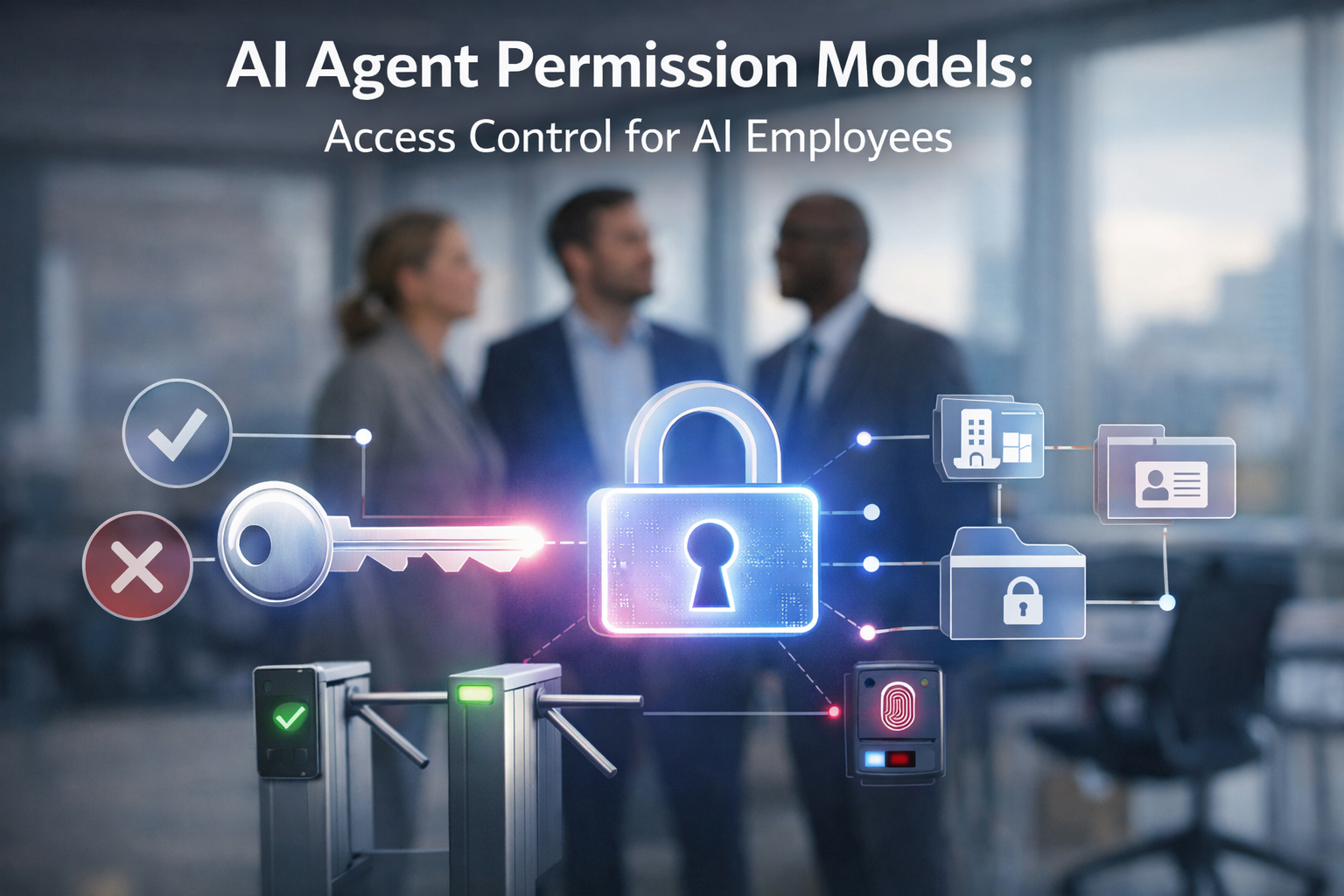
An AI agent should get the minimum permissions it needs to complete its task — and nothing more. That’s the whole rule in one sentence. But here’s what most people miss: an agent is not a user. It’s a distinct identity with its own credentials, its own scope, and its own audit trail. The moment you hand an agent your own login or a shared admin key, you’ve stopped doing access control and started gambling.
What Is an AI Agent Permission Model?
An AI agent permission model is the set of rules that determines which tools an agent can call, which data it can read or write, and which actions it can take on its own — versus which require human approval. It answers three questions for every agent you deploy: What can it touch? What can it change? What can it do without asking?
It differs from traditional human access control in one fundamental way. A human employee gets a role (manager, analyst, admin) and keeps broad permissions across their whole job. An AI agent is scoped to a task, not a role. Its permissions should be narrow, explicit, and tied to the specific job it was built to do — and those permissions should be enforced at the level of each individual tool call, not once per session.
Quotable: An AI agent permission model defines what an agent can access, approve, and act on — and it should be scoped to the agent’s specific task, not a broad role.
The Core Principle: Least Privilege
Least privilege for AI agents means the agent holds only the tools, actions, and data access required to complete its defined task — nothing broader. It’s straightforward to state and genuinely hard to enforce, which is why so many agents get deployed with wide “just in case” permissions that nobody ever audits.
The practical version of the rule has three parts:
- Scoped identity: give the agent its own account and credentials — never reuse a human’s login.
- Task-bound scope: grant access only to the specific tools and data the task requires.
- Time-boxed elevation: if the agent occasionally needs more, grant it temporarily and revoke it automatically.
Quotable: Least privilege for AI agents means restricting each agent’s tool access, data scope, and API permissions to only what its specific task requires — nothing more.
Common Permission Models for AI Agents
There’s no single “right” model, and most production systems combine several. The ones you’ll actually encounter:
- Role-Based Access Control (RBAC): assign the agent a role with a fixed permission set. Simple to reason about, but roles are often too coarse for fine-grained agent tasks.
- Scope-based access (OAuth scopes): treat the agent as its own OAuth client with an explicit scope set and its own token lifecycle. This is the modern default for anything touching APIs.
- Capability gating: maintain an explicit allowlist of which tools and functions the agent can invoke. If a tool isn’t on the list, the agent can’t call it — even if it tries.
- Approval-gated actions: route high-impact actions (payments, deletions, publishing, sending external email) through a human-in-the-loop approval step.
- Sandboxed execution: run the agent in an isolated environment so that even a misstep can’t reach production systems or sensitive data.
The graduated model is the one we bet our own platform on: EmployAIQ’s AI employees climb a four-level trust ladder — from fully supervised to autonomous — earning each level from a track record. Permissions as a career path, not a checkbox.
How to Set Up Access Control for an AI Agent
- Inventory the task. Write down exactly what the agent needs to do, step by step. If you can’t name the task, you can’t scope it.
- Define scopes per action. For each step, list the minimum tool or data access required. Map “read this table” vs. “write to that system” separately.
- Apply least privilege. Grant only what the inventory calls for — nothing speculative. Start narrower than feels comfortable; widening is always easier than narrowing.
- Add a human-in-the-loop gate. Identify which actions the agent must never take autonomously and route those to a person for approval.
- Log and audit everything. Record every tool call, every scope change, and every approval. The audit trail is how you catch drift — and how you prove what happened.
Common Mistakes to Avoid
- Over-provisioning: granting admin or broad “just in case” access because scoping feels tedious. This is the single biggest source of agent-caused incidents.
- Shared credentials: running the agent on a human employee’s login. You lose attribution, you can’t revoke cleanly, and you’ve tied the agent’s fate to a person’s account.
- No audit trail: deploying an agent with no logging and then being unable to answer “what did it actually do?”
- No approval gate: letting the agent take irreversible or high-impact actions with zero human checkpoint.
Frequently Asked Questions
What permissions should an AI agent have?
Only the permissions its specific task requires — scoped to the exact tools, data, and actions involved, granted under its own identity, and reviewed regularly. If an agent’s permissions look identical to a human admin’s, they’re almost certainly too broad.
How do I revoke an AI agent’s access?
Revoke its credentials or token directly, rather than trying to “disable the agent” through a shared account. Because a properly scoped agent has its own identity and token lifecycle, you can cut access instantly at the token level without touching any human account or other system.
What’s the difference between an AI agent and a service account?
A service account is a static credential for a fixed, predictable process. An AI agent is dynamic — it makes tool calls and decisions in real time, so its authorization needs to be evaluated per action, not just per session. It should also be treated as its own identity with its own scope, not a reused service account with standing permissions.
Keep reading:
- AI Agent Governance Framework: How to Implement It Step by Step
- AI Agent Prompt Injection Prevention: A Practical Guide for Builders
- AI Agent Security Guardrails: Sandboxing and Safe Execution Patterns
Designing AI employee roles from scratch is its own discipline. Start with the free guide: what happens at the first real requirement. aitokenlabs.com/ai-agent-architects/first-real-requirement
About the Author
Anthony Odole is a former IBM Senior Managing Consultant, where he served as Enterprise Architect on Fortune 500 engagements, and the founder of AIToken Labs. He helps business owners cut through AI hype by focusing on practical systems that solve real operational problems.
His flagship platform, EmployAIQ, is an AI Workforce platform that enables businesses to design, train, and deploy AI Employees — AI agents that function as digital workforce members — that perform real work without adding headcount.